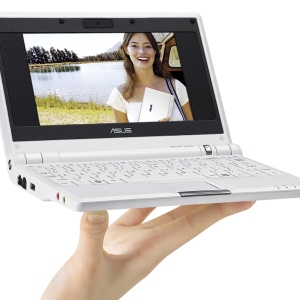


By and large, the laptop is the same computer as stationary, but at the same time there is a glad features in its operation, which will not be unnecessary to know everyone. For example, if a computer is hung, it is easy to restart it: you can click on the reboot button on the processor, turn off the "OFF" button on the rear case of the system unit, or simply remove the cord from the outlet. And in the laptop there is no such possibility.
If the laptop hoves, press the "Ctrl" + "Alt" + "Delet" simultaneously. The Windows Task Manager window will appear on the screen in which information on all currently operating programs will be displayed in the Application tab. If opposite one or several of them, it is written "not responding", mark it with the left mouse button and click the "Remove Task" button. Wait for some time that the operating system came to yourself and can continue to work.


Remember that with any compulsory completion of the laptop operation, some unsaved data may disappear without a trace, so try to maintain the information being processed.

 0
0 3212
3212