


The device driver is a special software that allows the operating system to access and interact with a specific hardware component of the PC. Installing drivers is the most important component of the process configuration configuration process in the event of an operating system installation or change. In addition, it is necessary to update outdated drivers to optimize the PC operation. Consider more, how to find out which drivers need in certain situations.
When installing a "clean" operating system, the user must independently install the drivers for all additional equipment (sound and video adapters, network cards, USB controllers, etc.). But even after installing the "Assembly" of the OS, where the drivers are installed automatically, it is worth checking out to be relevant and, if necessary, update to newer ones. All information about the devices of this PC and their drivers will be signed in the device manager ("My Computer" properties - "Device Manager"). In the dispatcher window, first of all, click on the "Update Equipment Configuration" icon.


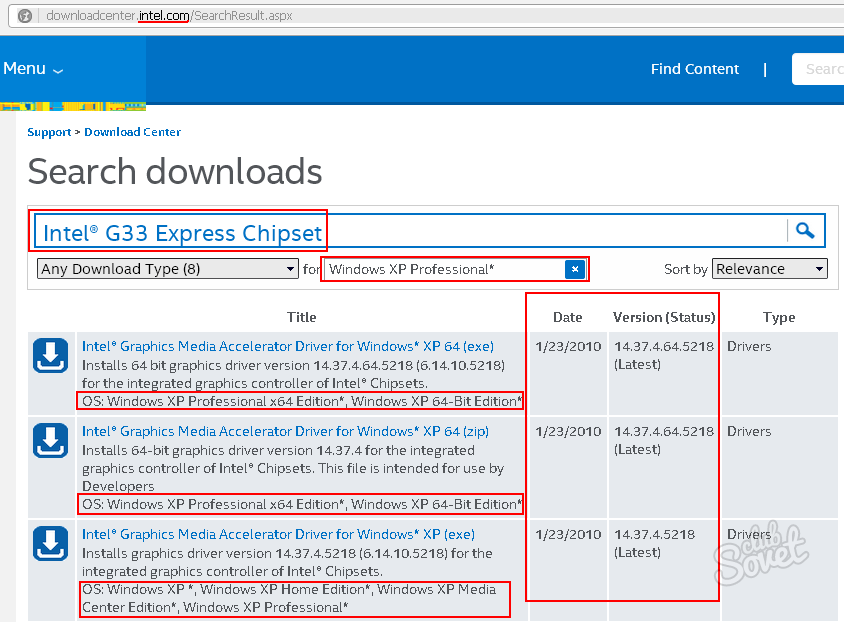
Thus, knowing the manufacturer and the full name of the device, the version and the discharge of the OS, you can find and install the most relevant drivers for your PC. And if the device model is not displayed in the dispatcher, use the instructions in the video attached below. We also recommend that before making any changes to the configuration of the equipment and the System Create point of recovery.

 0
0 1023
1023









