Anyone who came across the problem of downloading audio files on the iPhone, knows that, unlike other phones, use Apple's products as a flash drive will not work. So the United States struggles with piracy in their own country. However, of course, listen to the music on the iPhone.
1
The main and actually the only "assistant" in downloading music on the iPhone is the Free Official ITunes program. Download it and install on your computer. Download naturally recommended the latest version and from the official site.
2
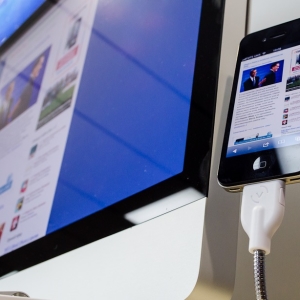
Run iTunes and plug your smartphone via USB input to the computer. By default, the program will search for audio files in the My Music folder on the computer. You must independently change the path by specifying the folder from which you want to download the necessary files.
3
Move or copy music files to one folder. In the main menu, click "File" → "Add files to the library". You can also copy the entire folder with music. To do this, perform "File" → "Add a folder to the library".
4
Synchronize the application with your iPhone. Select your gadget in the "Devices" section. To move audio files in the main iTunes window, select the Music section and click "Apply" or "Synchronize".
5
After some time, iTunes synchronized with the iPhone and "fill" in it. After the process is completed, disconnect the device from the computer and enjoy your favorite music on the iPhone.
6
To clear the phone's memory and remove unnecessary audio files, enter the Music section in the iTunes application and delete the files from the list. After that, connect the iPhone to the computer and synchronize.
In the same way, you can download music and other Apple - iPod and iPad devices.


 0
0 1526
1526