


Once again, we can make sure that progress does not stand still. Now, to pay for travel and shopping in stores you can not use a bank card, not to mention cash. Thanks to the ApplePay program, we can tie a map to a mobile phone and do not wear a wallet with you.
We go to the Wallet application and click on "+" in the right corner opposite the ApplePay icon. We want to pay attention to the fact that the contactless payment feature works on iPhone models from iPhone SE and older. In other models with support for Touch ID, payment occurs with Apple Watch clock.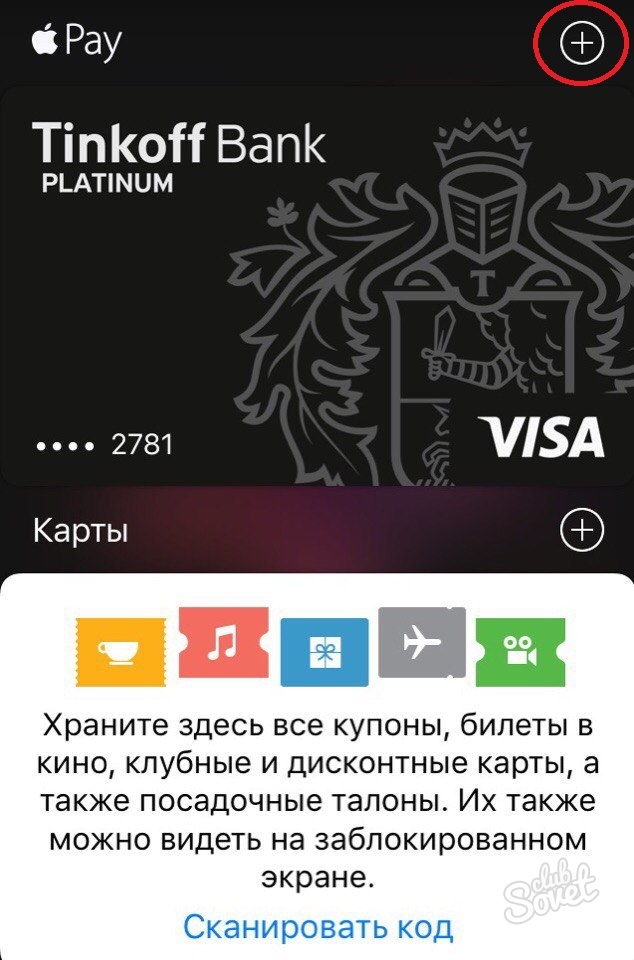
In the window that opens, click the "Next" button.
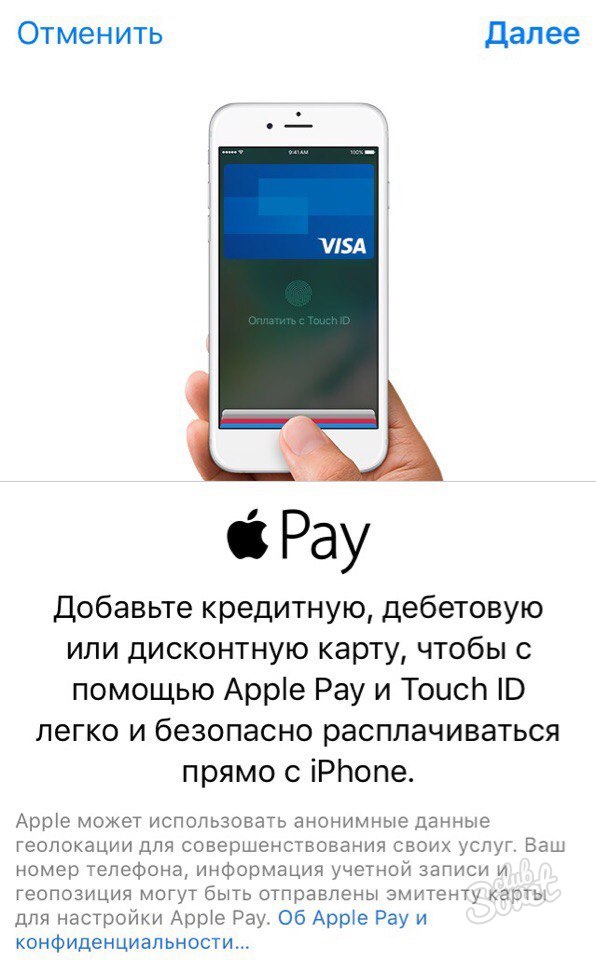
Here we can do two ways: enter card data manually and scan. The easiest way is simply placing the map in the highlighted field and wait when the system scans it.
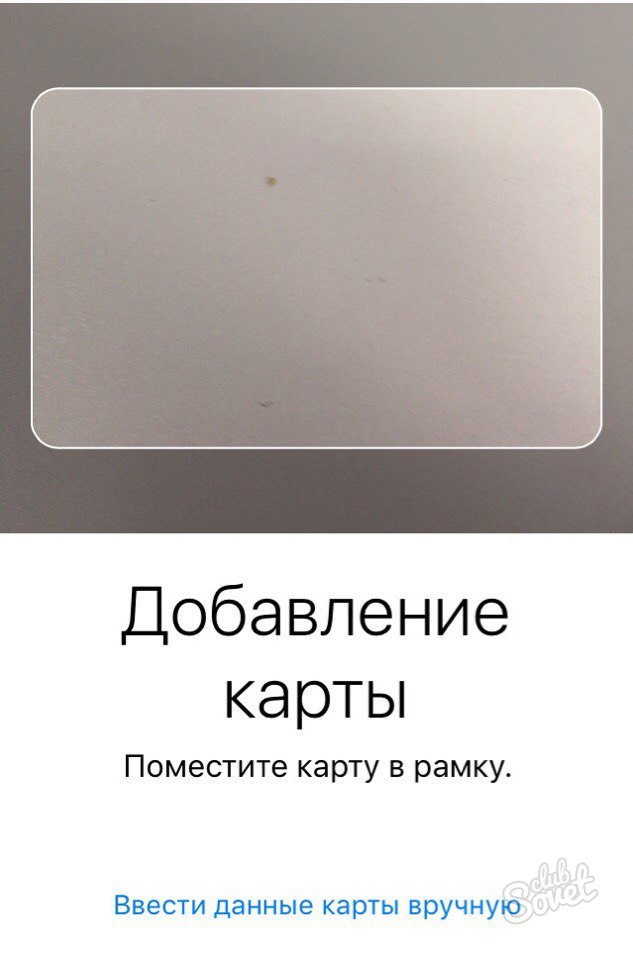
Now everything that we have remains is to check the correctness of the data recognized. We enter the name of the card holder and check the correctness of its number.

Click the "Next" button and in the next window check the validity period and enter the security code (three digits on the back of the card). It is not necessary to worry about the confidentiality of this information, since all the data on the payer and the perfect operations are stored only in the phone and in an encrypted form. Apple took care of this.

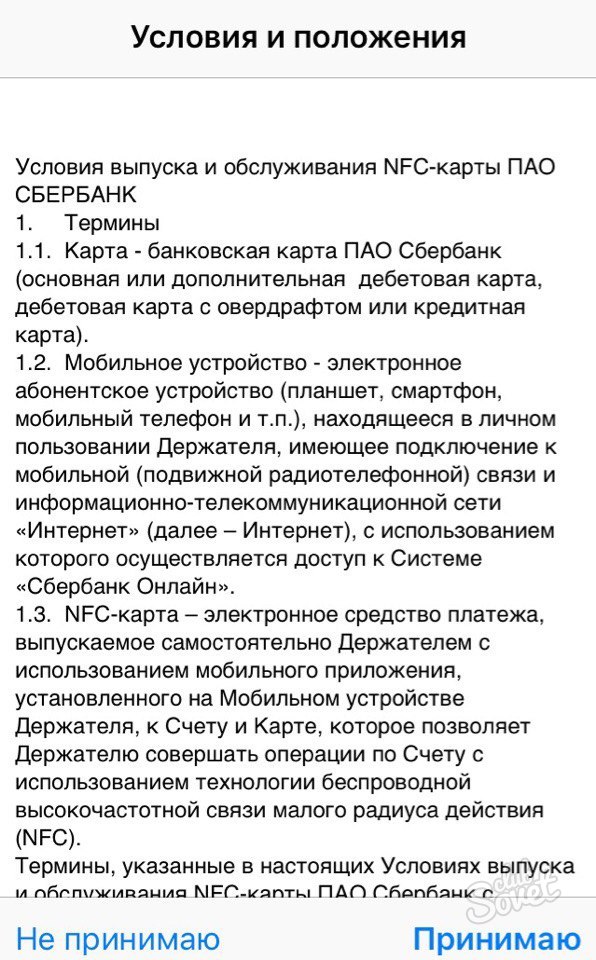
After pressing "Next", we have a user agreement with which you need to familiarize yourself with and agree.
In a new window, we do not change anything. It contains that the map check will occur using the message from the number 900. Click "Next".
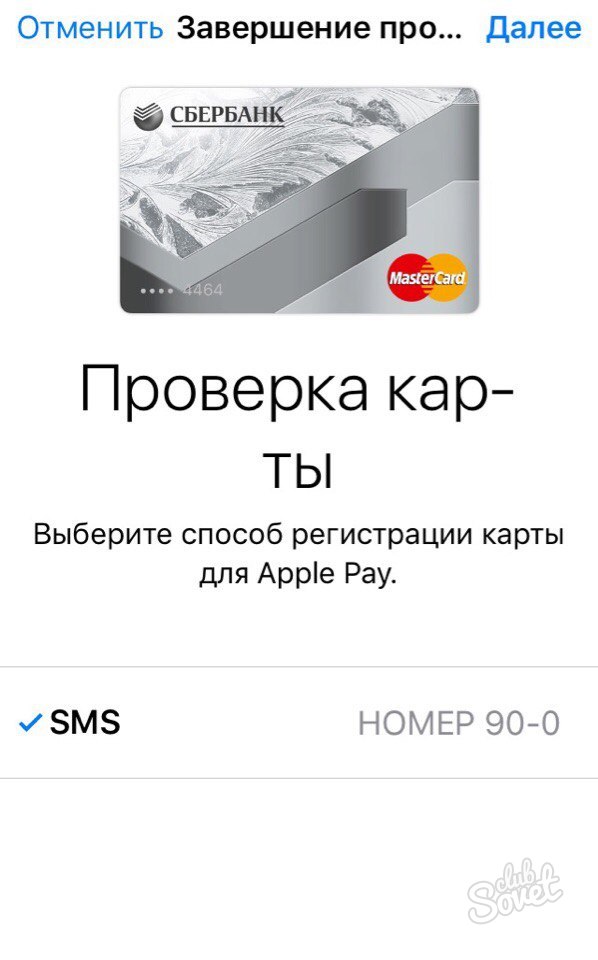
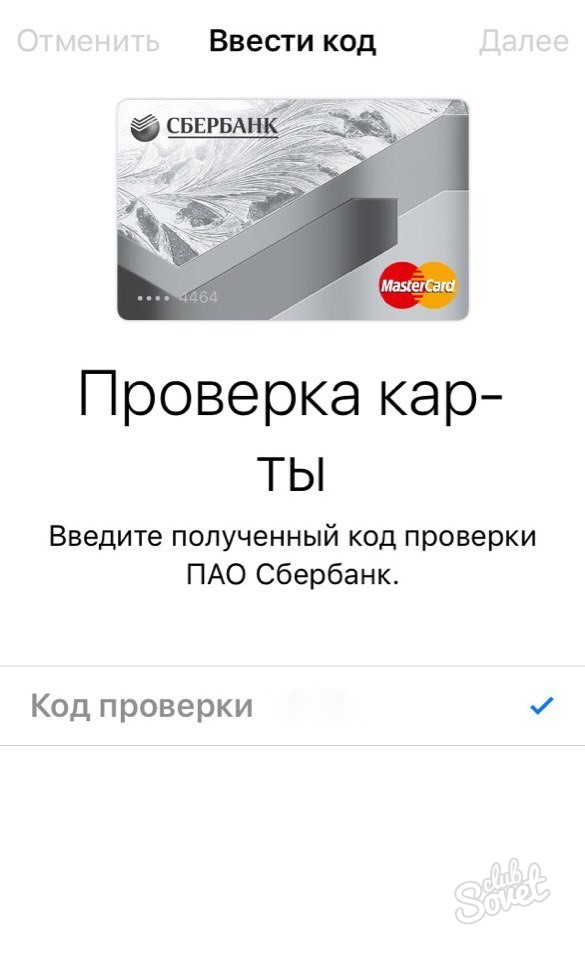
Enter the verification code sent to SMS.
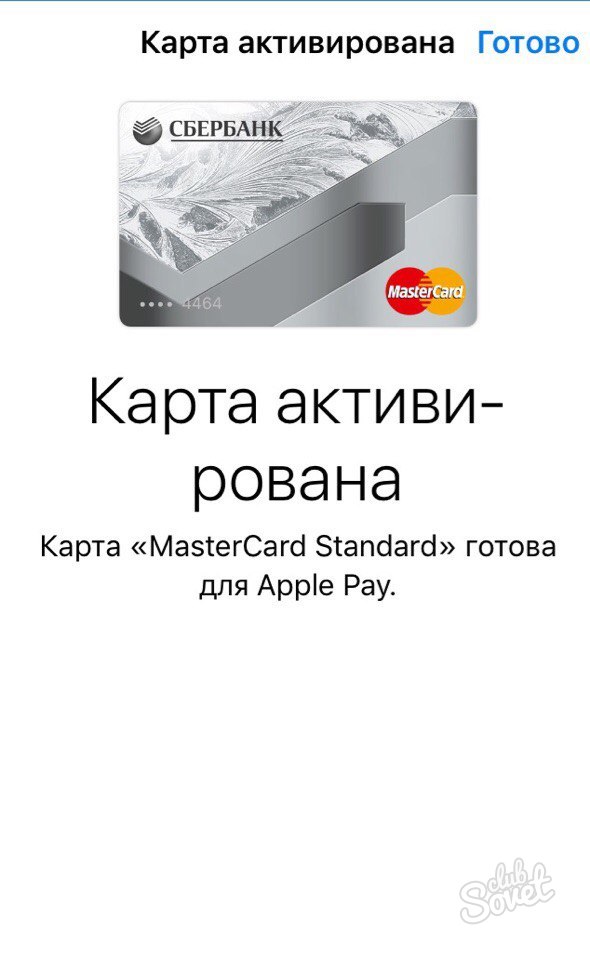
Our card is activated and ready to use. Here it is necessary to pay attention to the fact that in the case of Sberbank, only the MasterCard payment system cards are bred. The situation with the maps of other banks is different.
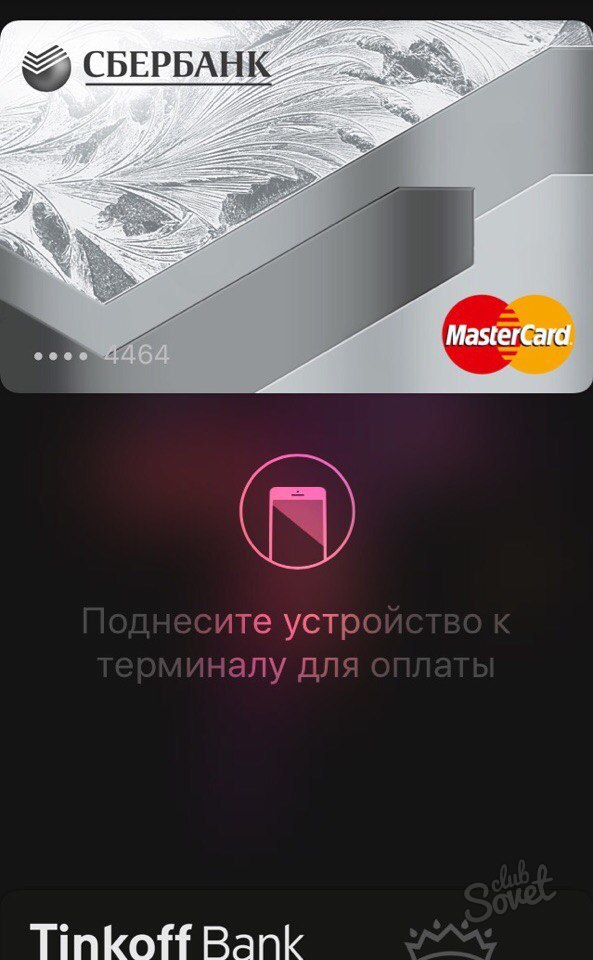
In order to use the Sberbank card, just just enter the app, select the required card and attach your finger to TouchID.

 0
0 4554
4554








