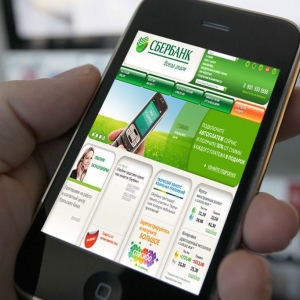
If you accidentally lost the SIM card or deliberately changed the phone number without being able to access it, you must certainly update the data in banks that you use. This guarantees the unimpeded use of Internet-related services, such as a personal account in Sberbank online.
How to change the phone number in Sberbank online?
Unfortunately, the automated replacement of the phone number for the account in the Personal Cabinet of Sberbank is not provided. Each particular request is considered by specialists separately, and it is easily explained - the possibility of changing the room can take advantage of the attackers seeking to gain control over other people's finances. What to do to achieve the goal?
- Contact the operator by phone 8 (800) 555-55-50, after it will be necessary to visit the nearest branch of Sberbank and present a passport.
- Under the guidance of the consultant, you should fill the paper and wait for the solution in your case.
- If the representative has no additional questions, the binding of the new number will be right there. However, it happens that waiting reaches up to 5 business days.


Perhaps you just need to change the number on which alerts come? It is easy to do through the "Personal Account" online, on the tab of the same name. Just enter the actual data and confirm them via SMS.

 0
0 474
474