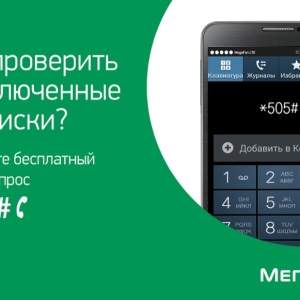
The live balance displays the amount on your phone screen that is present in your account, and the cost of the last call, SMS or Internet access. If you have decided that in this service no longer need this instruction for you.
Turn off the service balance on the megaphone through the "Personal Account"
Connect and disable services can any subscriber by going to the site https://lk.megafon.ru/login/
- Log in by receiving a password by sending a request from your phone keyboard * 105 * 00 #
- Enter the password and your phone number to the window that appears.
- Find the Services tab and options, click on it.
- In the section that opens, find the "Living Balance" service and disconnect it by clicking the button. In a couple of minutes, you will receive a confirmation of SMS on the shutdown of the service.

Disable the service live balance to megaphone through the command on the phone
Dial on the keyboard of your phone * 134 * 0 #, confirm the selected action by sending in response to the number 1. After a couple of minutes, the option will stop valid.

Take advantage of free call to disable live balance on megaphone
Call for free throughout Russia to the MegaFon Contact Center by 0500. Explain the consultant to the essence of your problem, then name your passport details. After a couple of minutes, the "Living Balance" service will be disabled.


 0
0 472
472